The AssetOS app is live on iOS and Android.
Work orders, asset scanning, labour time and photo evidence — in the plant room, the loading bay and the dead spot behind the workshop. Free to download, and included on every plan.


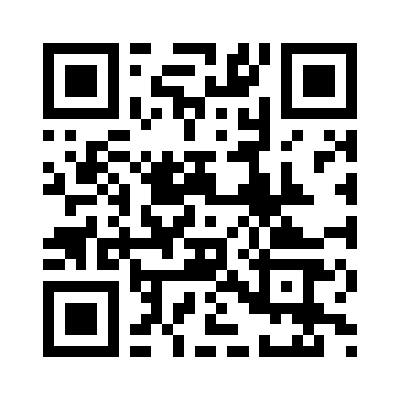
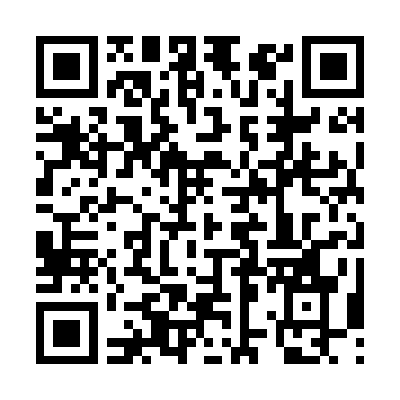
Point your phone camera at the code for your platform — it opens the store listing directly.
Every plan gets the app. Every field user is free.
Most CMMS vendors meter the thing your technicians actually touch. We do the opposite: mobile is on the Free plan, and operators and requesters never consume a paid seat. Deploy it to everyone on site — that is the point.
See the plan comparison →Built for one job: finishing the work in front of you.
Work orders, start to signed off
See what is assigned to you today, work the checklist, log parts and labour, capture a signature and close it out — without opening a laptop.
Scan a QR tag, get the asset
Point the camera at an asset tag and the full history opens: manuals, past jobs, warranty, open faults. No hunting through a register for a serial number.
Labour timer built in
Start the timer when you start the job. Time on tools lands on the work order automatically, so cost reporting stops being a guess.
Photos as evidence
Before, after, and the bit that failed. Photos attach to the job and stay attached — the audit trail writes itself.
Offline is the default, not a mode
The app assumes the plant room has no bars. Everything works from local storage and syncs in the background when signal comes back.
Defects and requests from anyone
Requesters get the app free on every plan, so the person who spots the fault is the person who logs it — at the machine, not at a desk.
Three steps, about ten minutes.
Create your workspace on the web
Free plan, no card. Add your first assets — or let us migrate your existing register for you.
Start free →Invite your team
Technicians get a paid seat. Everyone who reports faults or runs checks is a free requester — invite all of them, there's no cap.
See what's free →They download the app and sign in
Same email as the web account. First sync pulls their work orders and assets down to the device for offline use.
- iOS
- iPhone & iPad · iOS 15.0 or later · version 1.0
- Android
- Phone & tablet · Android 7.0 or later · version 1.0.0
- Price
- Free download · included on every plan, including Free
- Rating
- Rated 4+ · Business & Productivity
- Account
- Sign in with your AssetOS workspace email
Is the mobile app free?
Yes. The app itself is a free download on both stores, and mobile access is included on every AssetOS plan — including the Free plan. There is no mobile add-on and no per-device charge.
Do my technicians each need a paid seat?
Yes — technicians are paid seats, because they're the ones work orders get assigned to. Everyone else who uses the app to report a fault, submit a request or run a daily check — drivers, operators, office staff — is a requester, and requesters are free on every plan with no cap.
Does it really work with no signal?
Yes. Work orders, assets, checklists and photos are stored on the device. You can work a full shift in a plant room, a basement or a dead spot, and everything syncs in the background when coverage returns. Sync conflicts are flagged in-app, never silently discarded.
How do I sign in?
With the same email address as your AssetOS web account. Accounts are provisioned by your organisation's admin — if you do not have one yet, start a free workspace on the web first, then invite your team.
Which devices are supported?
iPhone and iPad running iOS 15.0 or later, and Android phones and tablets running Android 7.0 or later. The app is free of charge on both stores and rated 4+.
Can I use AssetOS without the app?
Yes — the full web app runs in any modern browser. The mobile app exists because a phone in a gloved hand beats a laptop in a plant room, not because the web version is crippled.
Put it in your technicians' hands this week.
Create a free workspace on the web, invite the field team as free seats, and let them download the app. No card, no mobile add-on, no per-device fee.