Label every asset. Your printer or ours.
Every asset in AssetOS carries a permanent QR link. Put it on the machine with labels from the office printer, with vinyl or aluminium tags we make for you, or with metal equipment tags for the harshest spots. From then on, one scan opens the history, logs a defect or closes the work order.
- ✓Print on standard Avery sheets — free on every plan, trial included
- ✓Vinyl and aluminium QR tags made to order
- ✓Metal equipment tags, quoted on request
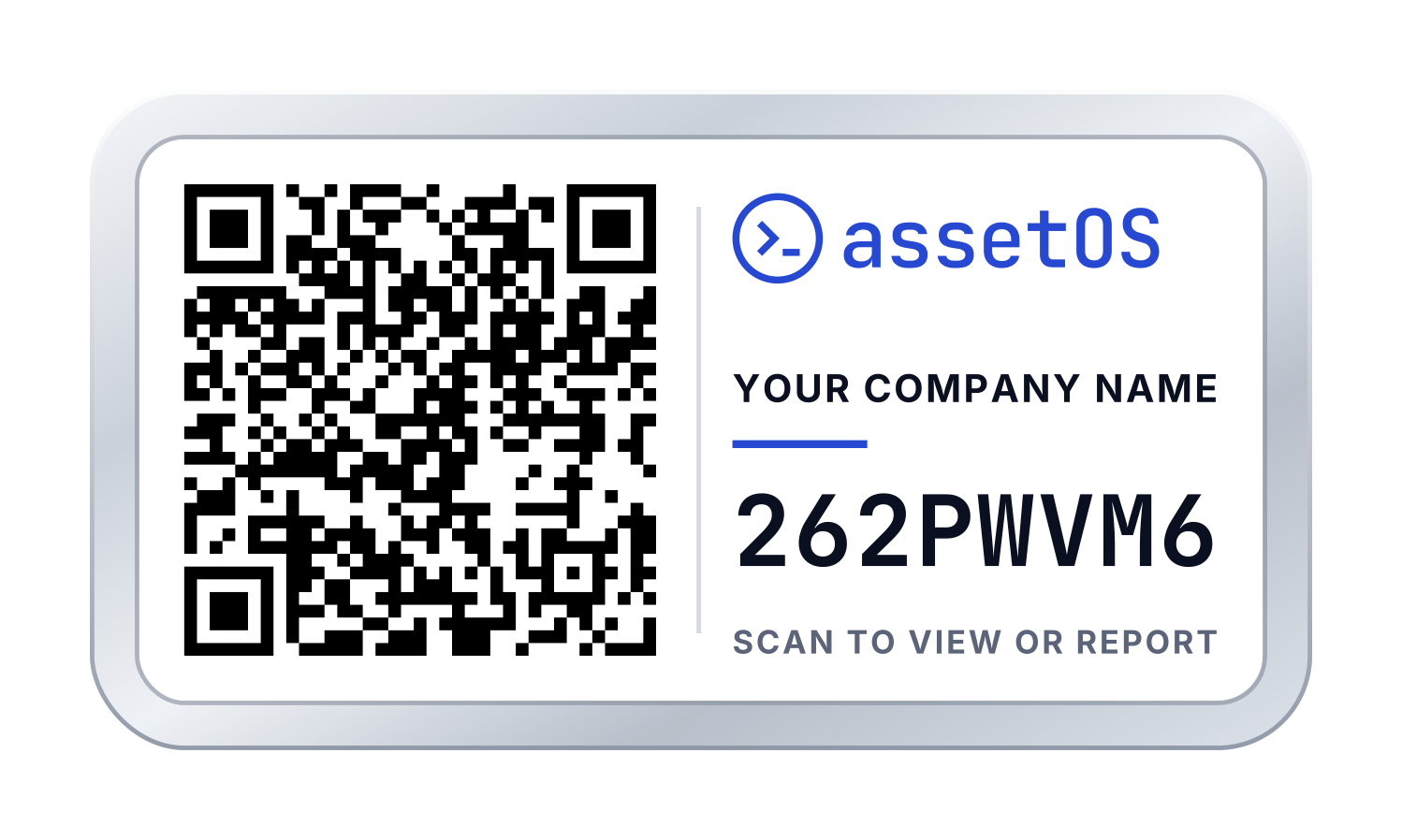
Three ways to get a tag on the machine
Start with whatever is to hand, and mix as you go. Plenty of teams print paper labels during the trial and move to vinyl or aluminium for the kit that lives outside.
Print your own
Print label PDFs from the app onto standard A4 Avery stock — L7159 (24 per sheet) by default, with L7160, L7163 large, L7651 mini and L7120 square for pool batches — on the office printer. Labels can carry your organisation name and logo (the logo drops off the smallest sizes). Free on every plan, including the trial.
Try it in the free trial →Order vinyl or aluminium tags
Laminated vinyl for workshops, fleets and outdoor plant. Aluminium where a vinyl sticker won’t last. Tell us the quantity, material and sizes you need and we confirm price and lead time before anything prints. Tags arrive unassigned, ready to claim.
Order tags →Metal equipment tags
QR-coded metal tags for equipment that sees heat, abrasion or chemicals, or anywhere a sticker won’t do. Quoted per job — tell us the equipment, the environment and how many.
Request a quote →1,000 vinyl labels, on us
Sign up for any annual plan and we ship 1,000 laminated vinyl QR labels to your site — free. Each one is unassigned until you scan it, and spares never expire. Pair it with our free done-for-you migration and you go from old system to fully labelled plant without doing the boring parts yourself.
One pack per organisation · New annual subscriptions (upgrading from monthly counts) · Free shipping worldwide · Full terms in the FAQ below — all of them fit in one sentence.
A tag on the asset beats a search bar every time
CMMS adoption fails when logging work is slower than not logging it. A QR tag on the machine removes the friction — here’s what one scan does.
Full history in one scan
Point a phone at the tag and the asset record opens — work orders, PM schedule, certs, manuals, photos. No searching, no asking around, no logging work against the wrong machine.
Log and close work on the spot
Technicians scan, log the defect or close the work order, and move on. The five-function field app means there’s nothing to learn and no reason to save it for later.
Anyone can report an issue — no login
Switch on public reporting and a scan without an account opens a simple report form branded to you. Drivers, operators and contractors flag problems the moment they see them, and every report lands in your fault-report queue.
Works offline
A tag that’s already linked opens its asset in the app’s full offline mode — basement plant rooms, signal dead zones — and syncs when you’re back in coverage.
What the app does with a tag
No barcode printers to buy, no scanner guns, no label software. Codes come from the app, and the phone already in every pocket does the rest.
Unassigned until someone scans it
Print or order a batch of up to 500 codes before you know what they’ll go on. A label is generic until it’s claimed, so there’s no matching label 412 to machine 412.
Stick, scan, claim
A technician scans the new label with a phone, picks the asset — or creates it right there — and the two are linked. From then on the tag opens the record for anyone who scans it.
Assign from the desk
Not next to the kit? Open the asset and pick an unassigned code from the pool. Unassign a damaged or replaced label later and the printed code goes back to the pool to be reused.
See what’s still unlabelled
Every asset shows its QR status, scan count and last scan, so the register tells you which machines have never been scanned — not a clipboard walk.
Components get labels too
Parts with their own records — pumps on a skid, modules in a rack — get their own codes and labels through the same workflow.
Tags that outlive your org chart
Each label carries a permanent unique code, never the asset’s name, number or location. Rename the asset, move it to another site or restructure the register — every printed tag keeps resolving.
Which material, where
A tag nobody can scan is worse than no tag at all. Match the material to where the asset actually lives — placement and surface-prep advice is in our asset tagging guide.
| Material | Best for | How to get it |
|---|---|---|
| Paper (Avery sheets) | Indoor, clean, dry kit — IT, office equipment, back-of-house | Print in the app, free on every plan |
| Laminated vinyl | Workshops, plant floors, fleet vehicles and outdoor plant — waterproof, UV-resistant, shrugs off oil and wipe-down chemicals | Order from us · 1,000 free with annual |
| Aluminium | Long-term outdoor exposure and abrasion, where a vinyl sticker won’t last | Order from us |
| Metal equipment tags | Heat, abrasion and chemical exposure, or equipment where a sticker won’t do | Quote on request |
Want to feel the label first?
Spec sheets don't tell you much about a label. Holding one does. Tell us where to post them and we'll send 10 real sample tags — the same laminated vinyl, the same unbound QR codes as a full order.
- ✓Stick one on your worst machine and see how it wears
- ✓Codes are live — scan one in the free trial to assign it
- ✓No commitment, no card, no sales call
Frequently asked questions
Can I print my own labels?
Yes, on every plan including the free trial. The app prints label PDFs sized for A4 Avery stock: L7159 (24 per sheet) by default, and for pool batches also L7160, L7163 large, L7651 mini and L7120 square, with your organisation name and logo on each label (the logo drops off the smallest sizes). Print a batch on the office printer and tag your first assets this afternoon.
How do I order vinyl or aluminium tags?
Through the contact form. Tell us the quantity, material and sizes you need and we confirm price and lead time before anything prints. Tags arrive unassigned — scan one in the app to link it to an asset.
Do you make metal equipment tags?
Yes, on quote. Tell us the equipment, the environment it lives in and how many you need, and we come back with a price and lead time.
Are the 1,000 labels really free?
Yes. Sign up for any annual plan and we print and ship 1,000 vinyl QR asset labels to you at no charge. Labels arrive unassigned — scan one in the app to link it to an asset. Only have 800 assets? The spare 200 never expire; use them as new equipment arrives. The honest fine print, all of it: one pack per organisation, new annual subscriptions only (upgrading from monthly counts), and shipping is free worldwide — if the post reaches you, so do the labels. And if you refund your annual plan after the labels ship, we deduct what the pack cost us. That’s it.
How durable are the vinyl labels?
They’re laminated vinyl rated for industrial use: waterproof, UV-resistant, and tolerant of oil, grease and cleaning chemicals. They’re made for workshop, plant-floor, fleet and outdoor conditions. For harsher environments — high heat, abrasion, chemical exposure — ask about aluminium or metal equipment tags.
What sizes do the labels come in?
Printed from the app: Avery sizes from 38 × 21 mm mini labels up to 99 × 38 mm, plus a 35 mm square. Ordered from us: a practical mix of standard equipment labels, smaller tags for tools and components, and larger placards for locations and plant rooms. Tell us your split when you order and we print to it.
What happens when someone scans a tag without an AssetOS account?
If an admin has switched on public reporting, they see a simple “report an issue” form branded to your organisation, and the report lands in your fault-report queue against the right asset. If it’s off, the page says reporting isn’t available for that tag. Requester and Operator seats are free, so there’s no per-user cost to letting everyone on site scan and report.
If I rename or move an asset, does the tag stop working?
No. Each tag carries a permanent unique code, and the link between code and asset lives in AssetOS — not on the label. Rename the asset, move it between sites, restructure your register: the printed tag keeps resolving to the right asset for the life of the label.
Can I keep using my existing barcodes or asset tags?
Yes. AssetOS scans existing barcodes and QR codes, and you can store your legacy tag number on the asset record. Many teams run old and new tags side by side and replace the old ones as they go.
Every asset labelled. Your printer or ours.
Start the free trial, import your assets, and every one of them has a QR code today. Print on the office printer, or order vinyl, aluminium or metal tags from us.